USE CASE · PRESENTATIONS
Catch session feedback before the room empties.
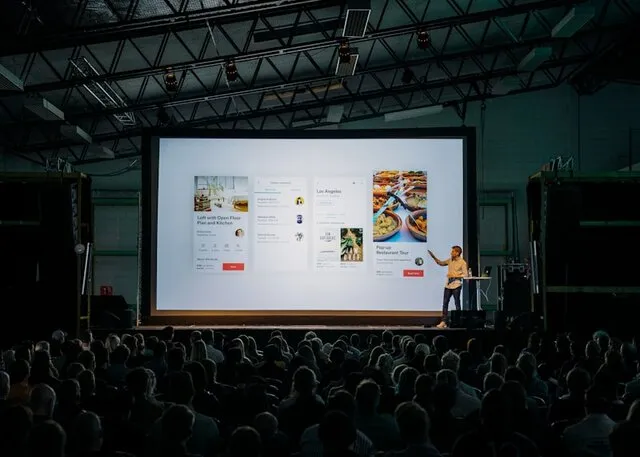
QR on the final slide for 30 seconds. Attendees scan, rate the talk, and answer one open question while they pack up. Speakers get the result before they leave the building.
ASK“Which session was most useful?”
QUESTION TYPES
Multiple choice · rating · text
VOTER SIGN-UP
None — scan and tap
APP REQUIRED
None — stock camera
COUNTRIES · 30 D
88
01 · HOW IT WORKS
Three steps. No app, no login for voters.
01
Make a poll
Pick a question type, add options, give it a title. Show every question at once, or one at a time.
02
Show the QR code
Print, project, or stick it where people already pause.
03
Watch results land
Live bars, or export a UTF-8 CSV whenever you want it.
02 · WHAT YOU GET
Built for events.
Live Polling
Display results on the big screen. Create engaging Q&A sessions.
High Volume Ready
Scale to any audience size. From 10 to 10,000 attendees.
Session Comparison
Compare feedback across speakers, tracks, or days.
Instant Reports
Export results immediately. Share with speakers and sponsors.
03 · COMMON QUESTIONS
Events FAQ
Q01How many questions should an event poll have?
Two or three. One rating, one "what was useful", one "what to change". Past four, completion drops fast.
Q02When should I show the QR code?
On the final slide for the last 30 seconds. Also on exit signage and badges. Capture it while the experience is fresh.
Q03Can attendees respond anonymously?
Default is anonymous. Optionally ask for email if you want to follow up. Anonymous gets you more honesty.
Q04How do I compare feedback across sessions?
One poll per session, same rating question. Dashboard shows them side by side. Export to CSV for cross-event analysis.
Q05Can I display results live on screen?
Yes — "Present Mode" projects results in real time. Good for panels, voting, and audience Q&A.