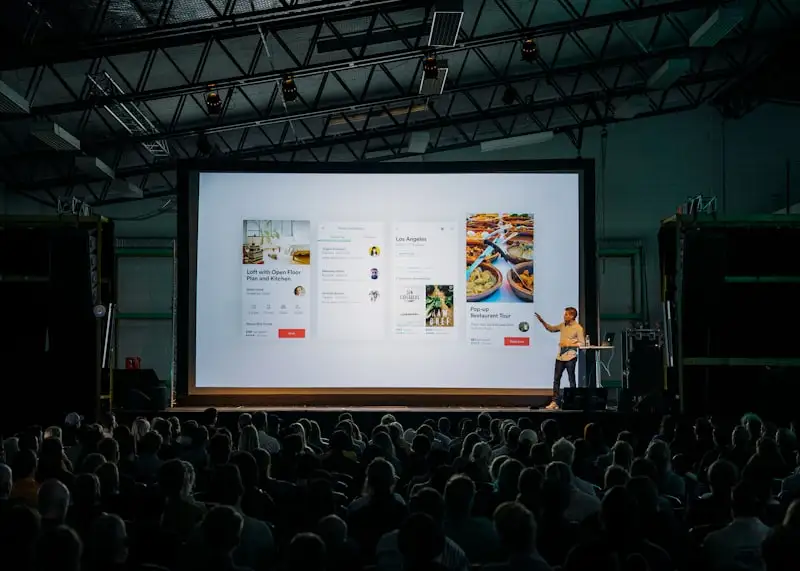
Get Real Feedback Before Your Audience Leaves the Room

QR Poll lets conference speakers collect real-time audience feedback by displaying a QR code on their final slide. Attendees scan and rate the talk before leaving the room.
- Best for
- Conference speakers, keynote presenters, panel moderators
- Setup time
- 30 seconds
- Cost
- Free up to 250 responses/mo, then $6/mo
- No app required
- Respondents scan with any phone camera
The Problem
Post-event email surveys get 5% response rates. You're already on stage with their attention. Use it. Conference organizers want speaker ratings but their forms are buried in apps nobody opens. You walk off stage with no idea which points landed and which lost the room.
How QR Poll Helps
- Show your QR code on your final slide. Audience scans while you wrap up.
- Results display live. Watch ratings come in while you're still at the podium.
- One vote per device. No ballot stuffing from enthusiastic fans (or haters).
- Export results immediately. Proof for your speaker reel or conference organizers.
Sample Speaker Feedback Questions
You have 45 seconds before people start filing out. Every question needs to earn its place. Here's what actually works.
- "How would you rate this talk?" (1-5 stars) -- the baseline. You need this for every talk.
- "What was the most useful takeaway?" (multiple choice with your key points) -- tells you which parts of your talk actually landed.
- "What should I spend more time on next time?" (open text) -- brutal, useful, and the feedback you won't get from applause volume.
- "Would you recommend this talk to a colleague?" (Yes / No / Maybe) -- the real signal. Polite clapping is free. A recommendation costs social capital.
Skip the "how was the venue" and "rate the coffee" questions. That's the organizer's job. Your poll should only ask things that help you give a better talk next time.
How to Display the QR Code on Your Final Slide
The QR code needs to be on screen long enough for people to scan it. That means your final slide isn't a "Thank You" with a tiny QR in the corner. The QR code IS the final slide.
Make it big. Center of the screen. White background. Add one line of text: "Rate this talk" or "Quick feedback? Scan here." That's it. No logos, no social handles, no "find me on LinkedIn" competing for attention.
Keep the slide up while you give your closing remarks and during Q&A. People will scan while someone else is asking a question. That's fine. You want maximum time on screen.
If you're doing Q&A, mention the poll once at the start: "While we do questions, scan that code if you want to give feedback. Takes 30 seconds." Then don't mention it again. People who want to respond will. Nagging doesn't increase response rates, it just annoys the audience.
Building a Speaker Portfolio with Real Data
Speaker bios are full of claims nobody can verify. "Engaging presenter" and "thought leader" mean nothing. A 4.6/5 average rating across 12 talks with 800+ responses means something.
After each talk, export your results. Over time, you build a dataset that's more convincing than any testimonial. Conference organizers booking speakers for next year want to see numbers, not adjectives.
Track your ratings over time. If your talk on microservices gets a 4.8 but your talk on team management gets a 3.9, that tells you where to focus. The audience is voting with data on what you're actually good at.
Some speakers include a "feedback summary" in their speaker kit: average ratings, number of responses, top takeaways from audience comments. It's a small thing, but it separates you from everyone else who just has a headshot and a paragraph about their "passion for technology."
How It Works
- 1Create a feedback poll for your talk. Add 2-3 questions: a star rating, a "most useful takeaway" multiple choice, and an open-text suggestion box. Keep it under 60 seconds to complete.
- 2Put the QR code on your final slide. Make it the entire slide. Big QR, white background, one line of text. Keep it on screen through Q&A so people have time to scan.
- 3Export results for your speaker portfolio. Download the data after your talk. Track ratings across events to identify your strongest material and build a data-backed speaker kit.
Common Questions
Can I show results on my slides?
Yes. Open the results page on a second screen or tab. Results update automatically as votes come in. No refresh needed.
How do I prevent people from voting multiple times?
QR Poll uses device fingerprinting to limit one response per device. Not foolproof, but stops casual ballot stuffing.
What if attendees don't have smartphones?
Most conference audiences are 95%+ smartphone. For the rest, pair them with a neighbor or skip them. The data is still valuable.
Should I create a new poll for every talk?
Yes. One poll per talk. It takes 30 seconds to set up, and you get clean data tied to a specific presentation. Reusing polls muddies your numbers and makes it impossible to compare how different talks landed.
How many questions should I ask?
Three, maybe four. People are standing up, grabbing their bags, checking the next session. You get 45 seconds of attention. One rating question, one "what was most useful," and one open-text "what would you change." That covers it.
Can I use this for a panel discussion, not just a solo talk?
Works fine. Ask about the panel overall rather than rating individual panelists. Questions like "which topic was most relevant" or "what question should we have asked" work better than trying to rate four people separately on one poll.