Get 5x More Event Feedback
Post-event email surveys get ignored. QR codes on exit signs and slides capture feedback while the experience is still fresh.
Scan to try it out
Built for Events
Everything you need to capture, analyze, and share attendee feedback
Live Polling
Display results on the big screen. Create engaging Q&A sessions.
Unlimited Responses
Scale to any audience size. From 10 to 10,000 attendees.
Session Comparison
Compare feedback across speakers, tracks, or days.
Instant Reports
Export results immediately. Share with speakers and sponsors.

Conference Sessions
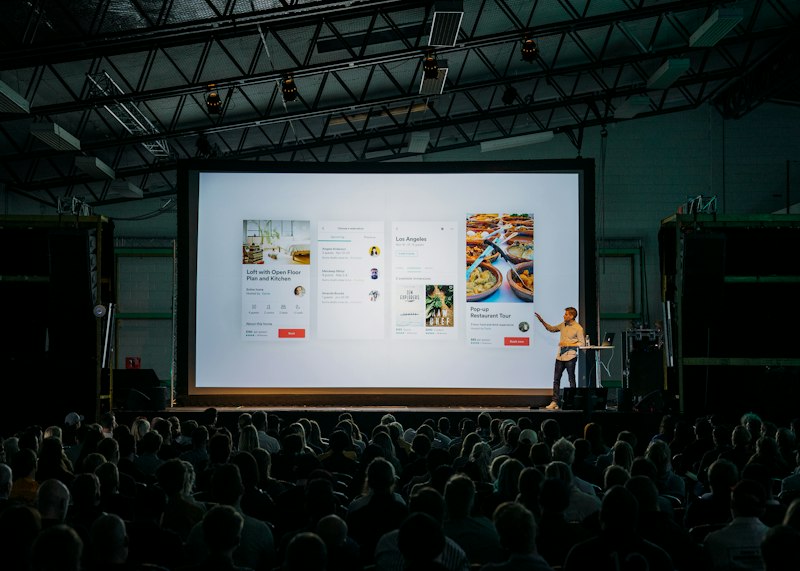
Put your QR code on the final slide of every presentation. Attendees scan while the speaker wraps up, giving you instant feedback on content, delivery, and value.
- Capture feedback before attendees leave the room
- Compare speaker ratings across sessions
- Share results with speakers same-day
- Identify top-rated content for next year

Workshop & Training
Training sessions need specific feedback on materials, pace, and exercises. QR polls let participants share what worked and what needs adjustment—immediately.
- Get feedback on specific exercises or modules
- Adjust pace based on comprehension checks
- Track improvement across multi-day programs
- Build a library of feedback for curriculum updates
Exit Polling
Place QR codes at exits for overall event feedback. Catch attendees as they leave with a quick 2-question poll about their experience.
- Simple 2-3 question format for quick responses
- Net Promoter Score (NPS) in 10 seconds
- Capture feedback from every attendee
- Works for any event size
How It Works
Start collecting event feedback in minutes
Create Your Poll
Add your question and answer options. Takes about 30 seconds. No account required to start.
Share the QR Code
Print it, display it on screen, or share the link. Works with any phone camera—no app needed.
See Results Live
Watch responses appear in real-time. Export to CSV anytime. Share live results with your team.
Event Polling FAQ
How many questions should an event poll have?
For session feedback, stick to 2-3 questions: one rating (1-5 stars), one "what was most valuable," and one "what could be improved." For longer post-event surveys, you can go up to 5-7 questions, but completion rates drop after that. The sweet spot is 3-4 questions that take under 60 seconds to complete.
When should I show the QR code?
The best time is immediately after the session ends—put the QR code on your final slide and leave it up for 30 seconds. Also effective: exit signs near the door, on badges (for ongoing feedback), and in post-session emails. The key is capturing feedback while the experience is fresh.
Can attendees respond anonymously?
Yes, anonymous responses are the default. You can optionally ask for email (useful for follow-up or prize drawings), but most events see higher response rates with fully anonymous polls. Attendees are more honest when they know their feedback can't be traced back to them.
How do I compare feedback across sessions?
Create separate polls for each session or speaker, and use consistent rating questions. Your dashboard shows results side-by-side, making it easy to spot which sessions scored highest. You can also export all data to CSV for deeper analysis in Excel or Google Sheets.
What's the response rate compared to email surveys?
In-room QR code polls typically get 40-60% response rates, compared to 8-15% for post-event email surveys. The difference is timing: when attendees scan immediately after a session, the experience is fresh and they're already engaged. Email surveys arrive when they've moved on.
Can I display results live on screen?
Yes! Use the "Present Mode" feature to show results in real-time on a projector or screen. This works great for interactive Q&A sessions, audience voting, and creating engagement during panels. Results update automatically as responses come in.