Know What Customers Think Before They Leave
QR codes at checkout, exits, and service areas. Capture feedback in real-time, not days later in a Yelp review.
Scan to try it out
Built for Customer Feedback
Simple tools that help you listen, respond, and improve
Real-Time Alerts
Get notified instantly when feedback arrives. Address concerns before customers leave.
Trend Tracking
See patterns over time. Know when service dips or improves.
Private Resolution
Reach out to unhappy customers directly. Fix issues before they go public.
Works Everywhere
Retail, hospitality, healthcare, services. Any business with customer touchpoints.

Retail Checkout
Place a QR code at every register. Customers scan while waiting for their card to process—a moment when they're already thinking about their purchase experience.
- Capture feedback during natural wait time
- Track satisfaction by register or cashier
- Identify service issues in real-time
- No extra steps for customers
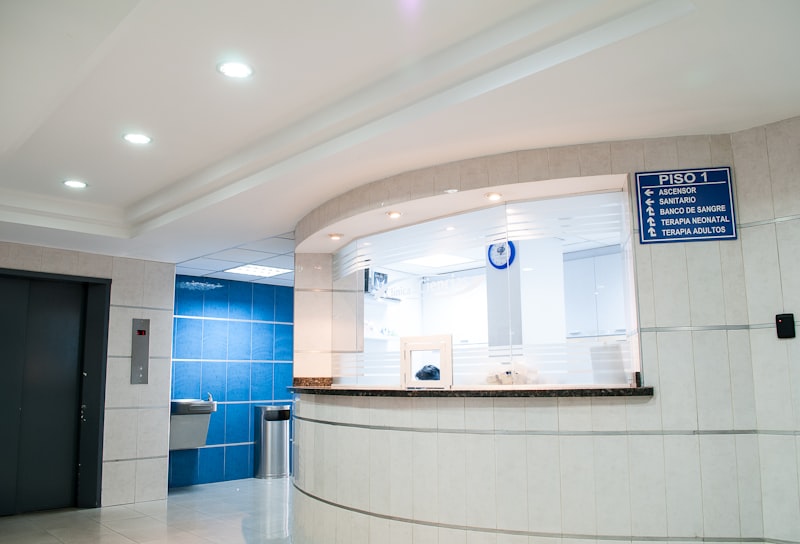
Service Waiting Areas
Healthcare, auto service, salons—anywhere customers wait. A QR code on the wall or table lets them share feedback while the experience is fresh.
- Customers have time to respond thoughtfully
- Anonymous = honest feedback
- Works for any service business
- Track wait time satisfaction

Exit Doors
Last chance to capture feedback before customers leave. A simple 'How was your visit?' QR code by the door catches quick impressions.
- Quick 2-question format for exits
- Catch customers who didn't buy (and find out why)
- Measure overall visit satisfaction
- Works for any physical location
How It Works
Start collecting customer feedback in minutes
Create Your Poll
Add your question and answer options. Takes about 30 seconds. No account required to start.
Share the QR Code
Print it, display it on screen, or share the link. Works with any phone camera—no app needed.
See Results Live
Watch responses appear in real-time. Export to CSV anytime. Share live results with your team.
Customer Feedback FAQ
Where should I place the QR code?
The best locations are where customers naturally pause: checkout counters, fitting rooms, waiting areas, and exit doors. For retail, near the register works well. For services, put it where customers wait. The key is visibility at a moment when they're thinking about their experience.
How do I get customers to actually scan it?
Keep it simple: a sign that says "How did we do? Scan to tell us" with a clear QR code. Don't overcomplicate it with incentives or lengthy explanations. Customers who have something to say will scan. Those who don't have feedback won't—and that's fine.
What questions should I ask?
Start with just two: a star rating (1-5) and one open-ended question ("What could we improve?"). This takes under 20 seconds. You can add more questions later, but high response rates come from keeping it short. Most actionable feedback comes from that one open-ended question.
How do I respond to negative feedback?
If you collect email addresses (optional), you can respond directly to unhappy customers. A simple "We're sorry, here's what we're doing to fix it" often converts a complaint into loyalty. Without email, use the feedback to improve—it's still valuable intelligence.
Can I track feedback by location or department?
Yes. Create separate polls for different locations, departments, or service areas. Your dashboard shows results side-by-side, making it easy to compare performance. Many businesses create unique QR codes for each register or service counter.
Is the feedback really anonymous?
By default, yes. You only collect what you ask for. If you don't ask for names or email, you don't get them. This encourages honest feedback. You can optionally ask for contact info, but we recommend keeping most feedback anonymous for candor.